Choose an adventure and a weather tool. Click or press and drag over the landscape to paint the selected weather. Swipe with two fingers on a trackpad, or right-click and drag with a mouse, to rotate the terrain. Pinch or hold Option while dragging with two fingers to zoom. Use the Field notes and photos button to continue below the map. With a keyboard, use the arrow keys to position the brush and press Space to apply weather.
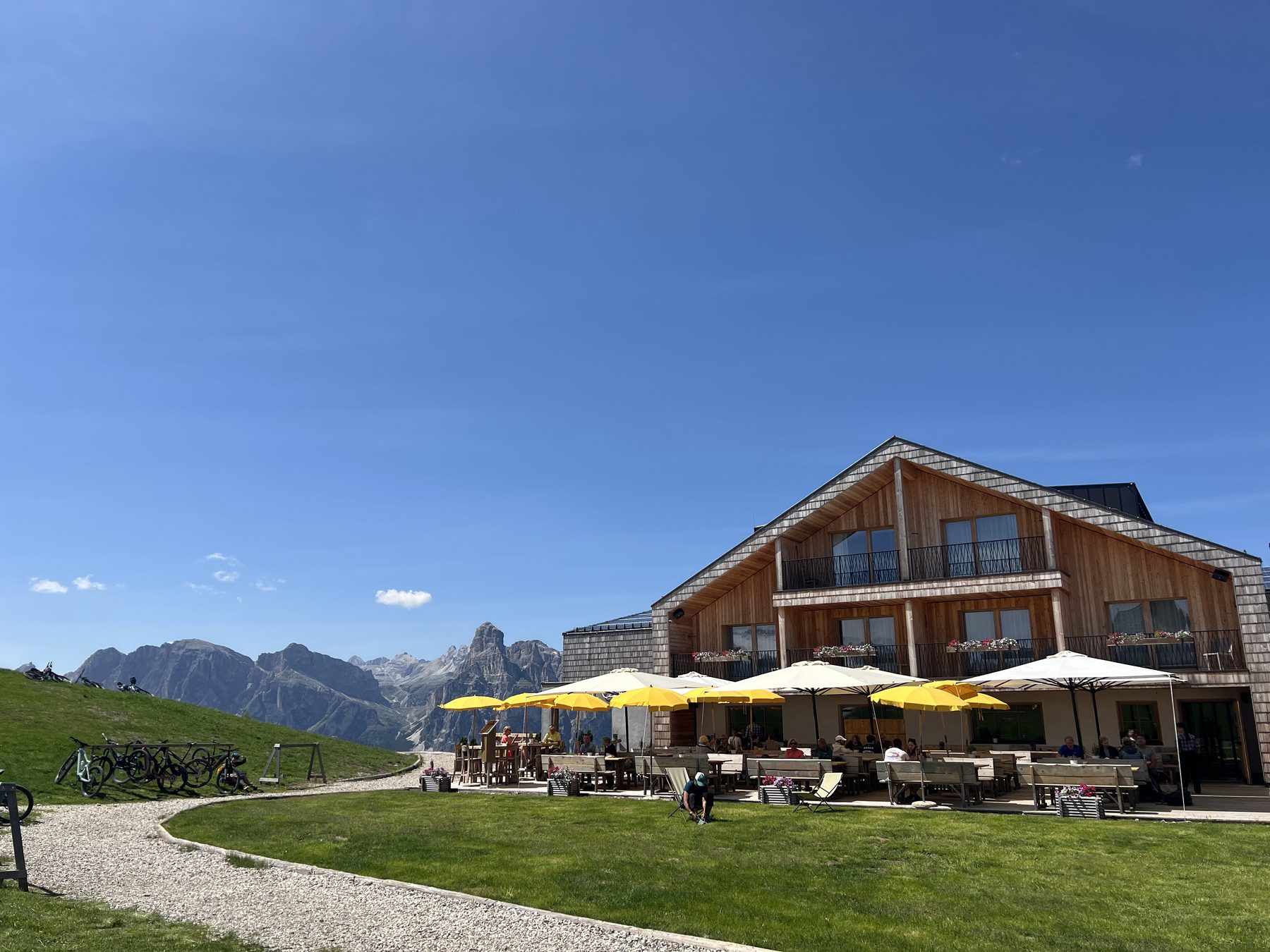
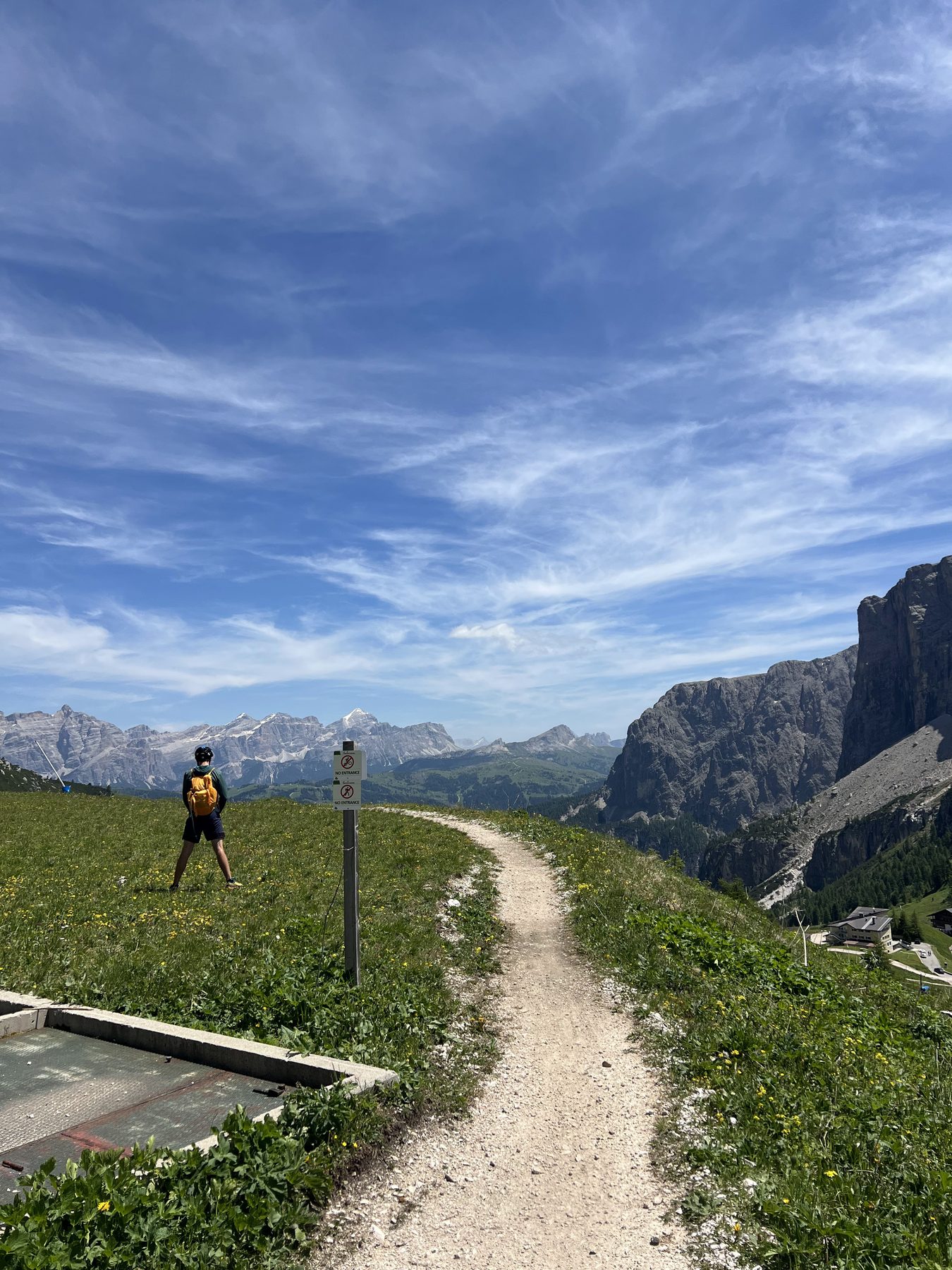
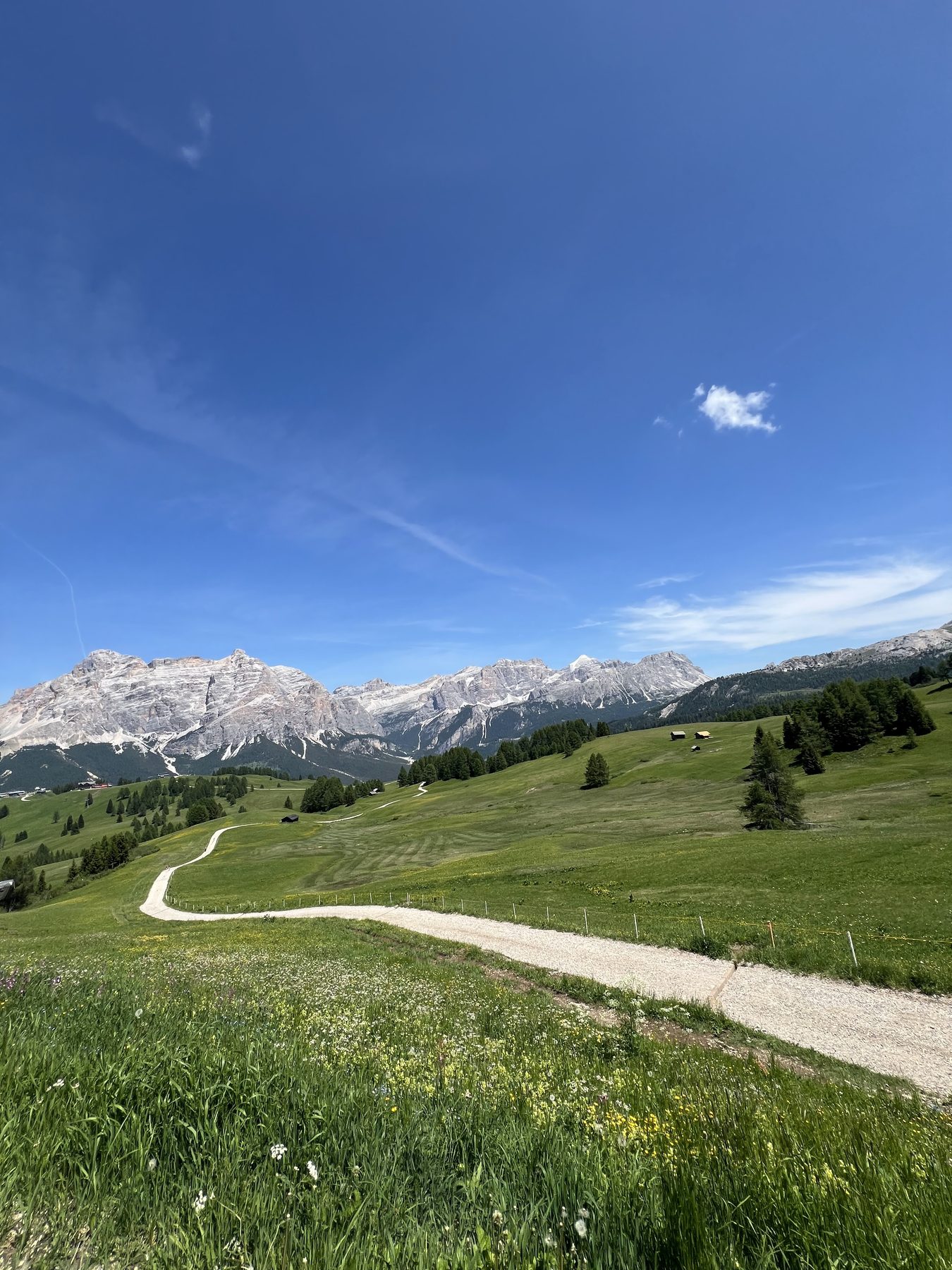
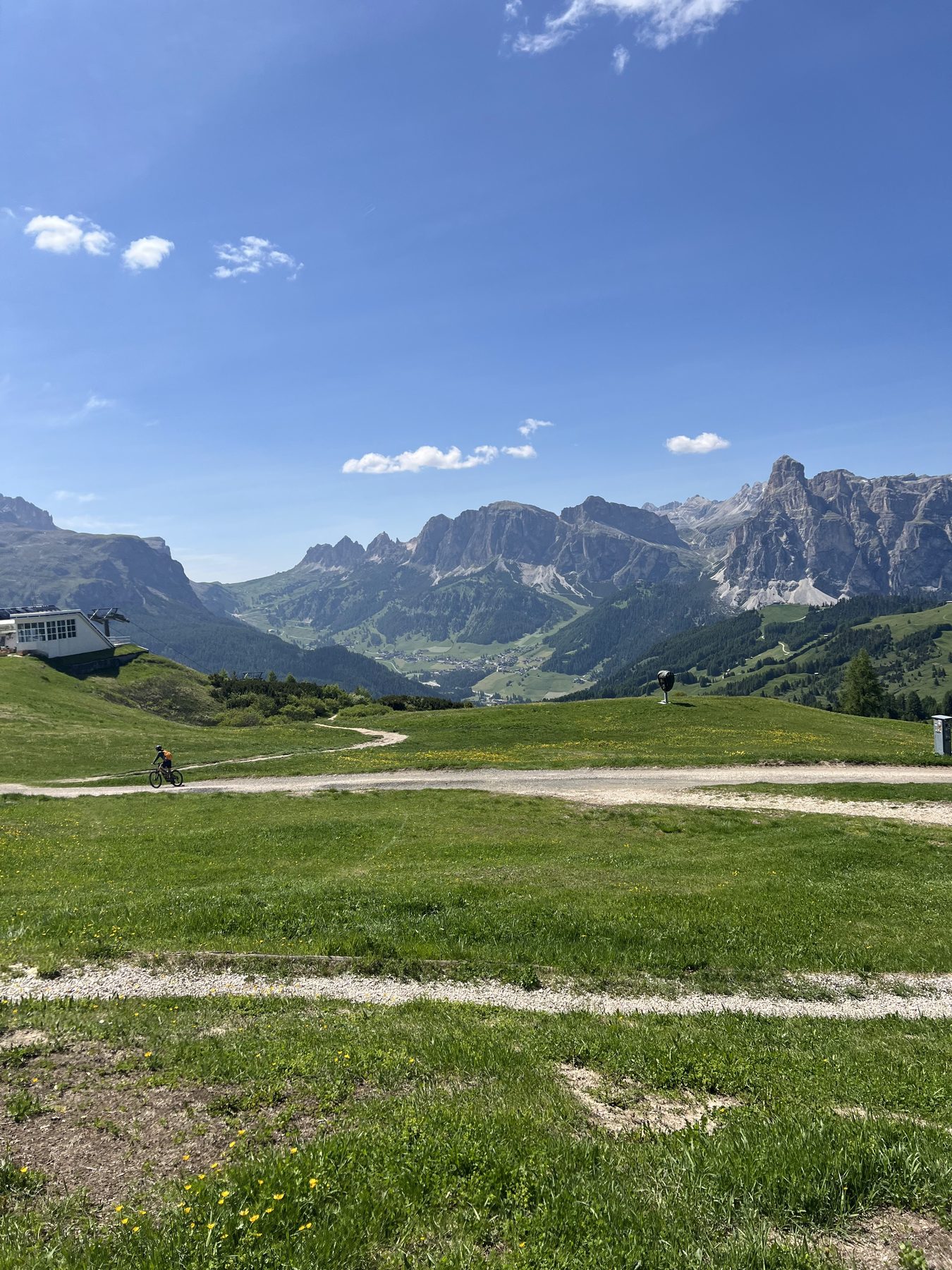
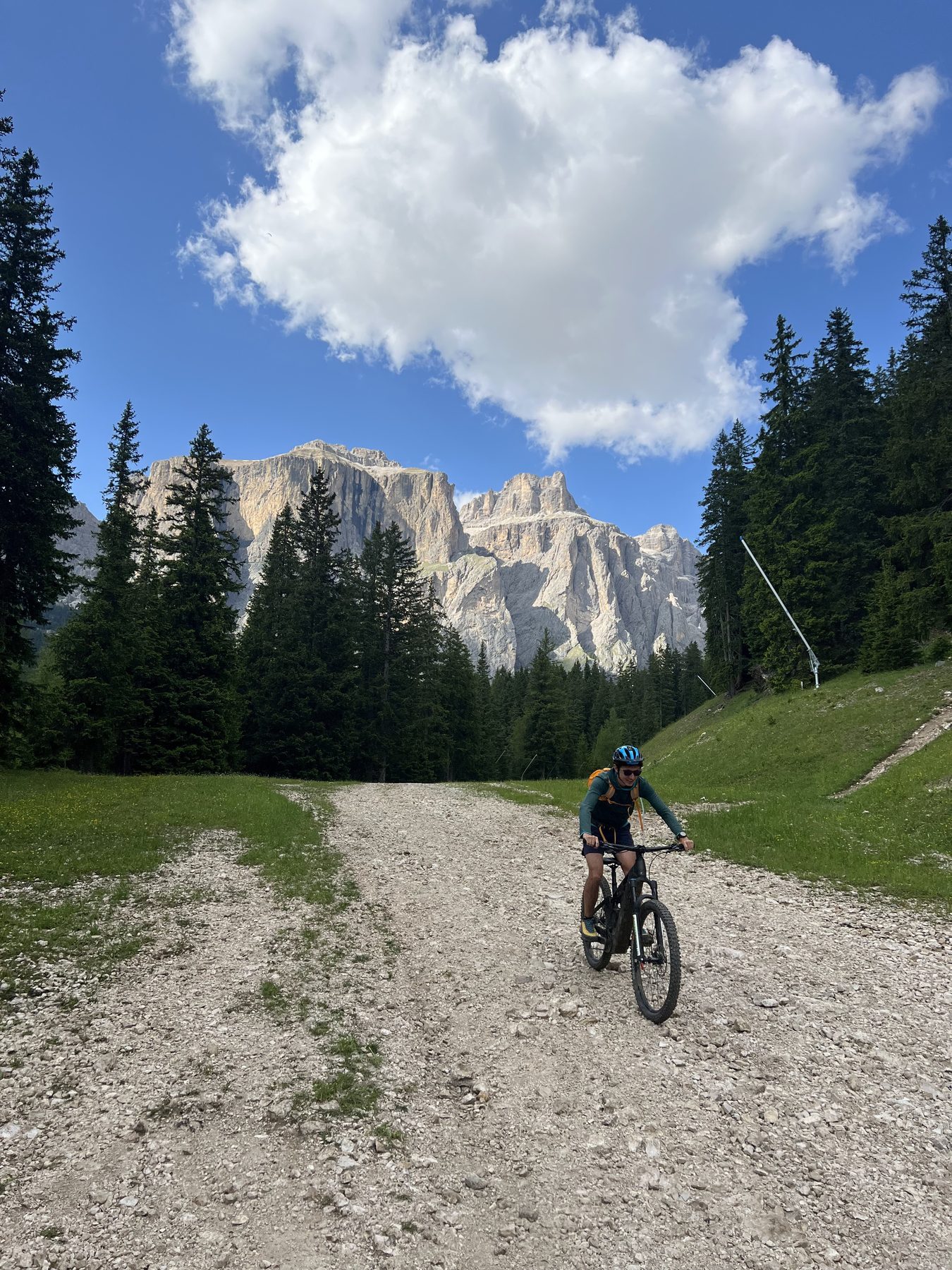
A clockwise e-mountain-bike loop around the Sella massif, linking four Dolomite valleys with a mix of lifts, high traverses, and long descents. The weather lab follows the complete GPX track through the Italian Dolomites.
The clockwise line moves between lift-served high points, open meadows, rifugi, and descents beneath the Sella walls.
A mid-route rifugio.Above the valley.The route opening into the meadows.Traversing between lifts and trails.Dropping back beneath the Sella walls.
Adventure · August 2025 · Eastern Sierra
Thousand Island Lakes Overlanding
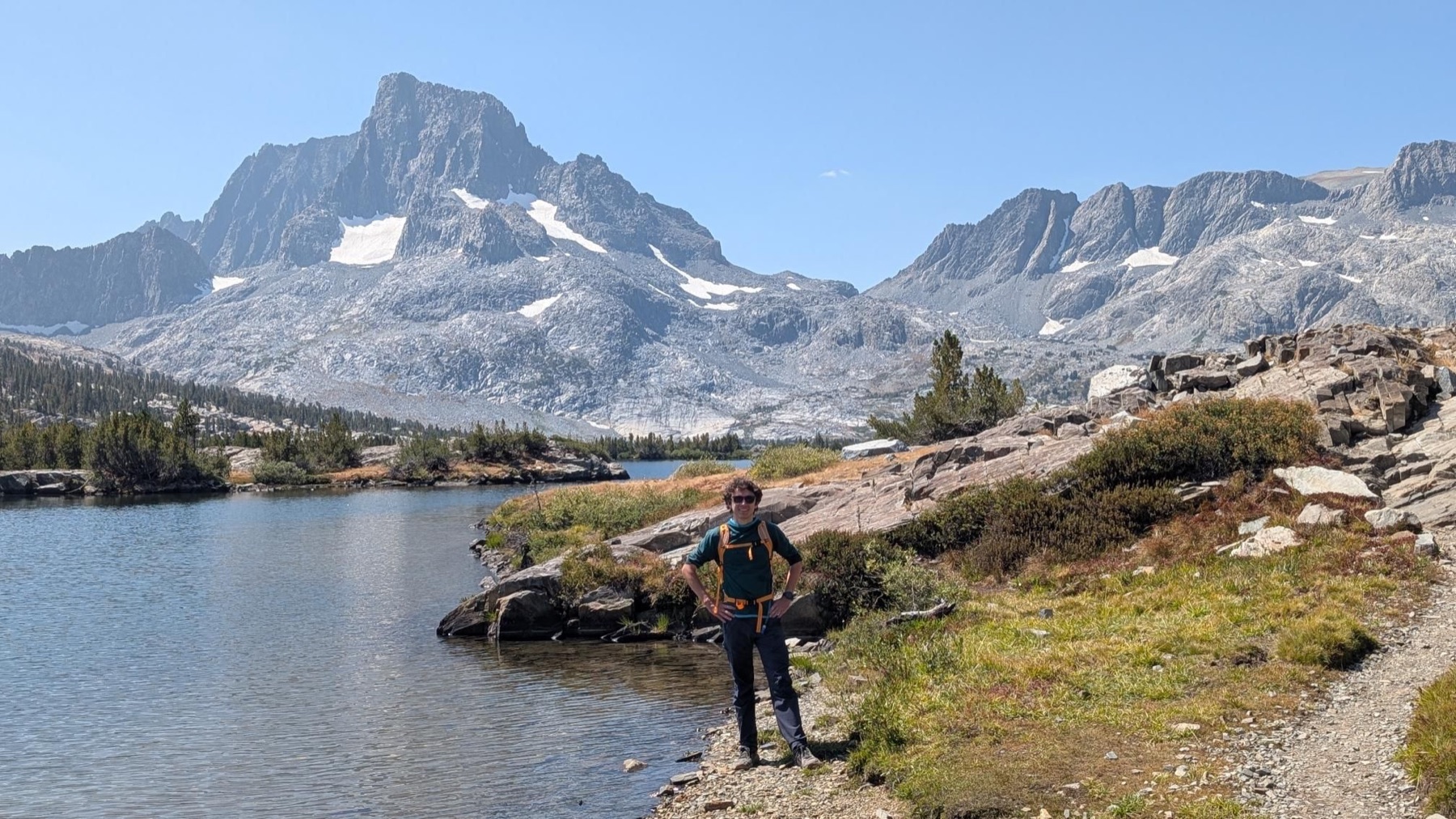
A long alpine loop through the Ritter Range, built around the original GPX track. Granite, open water, and a full day moving through the High Sierra beneath Banner Peak.
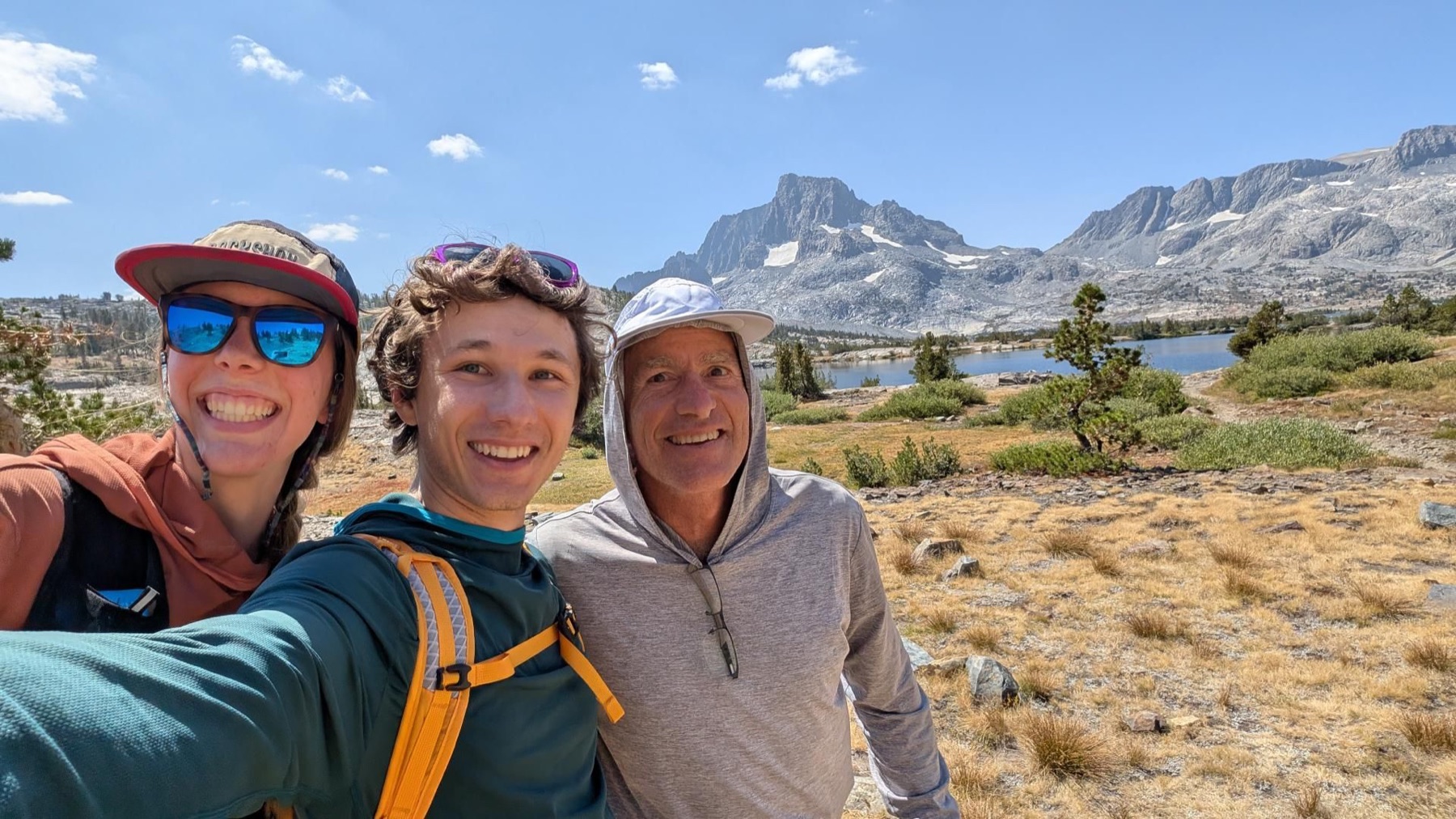
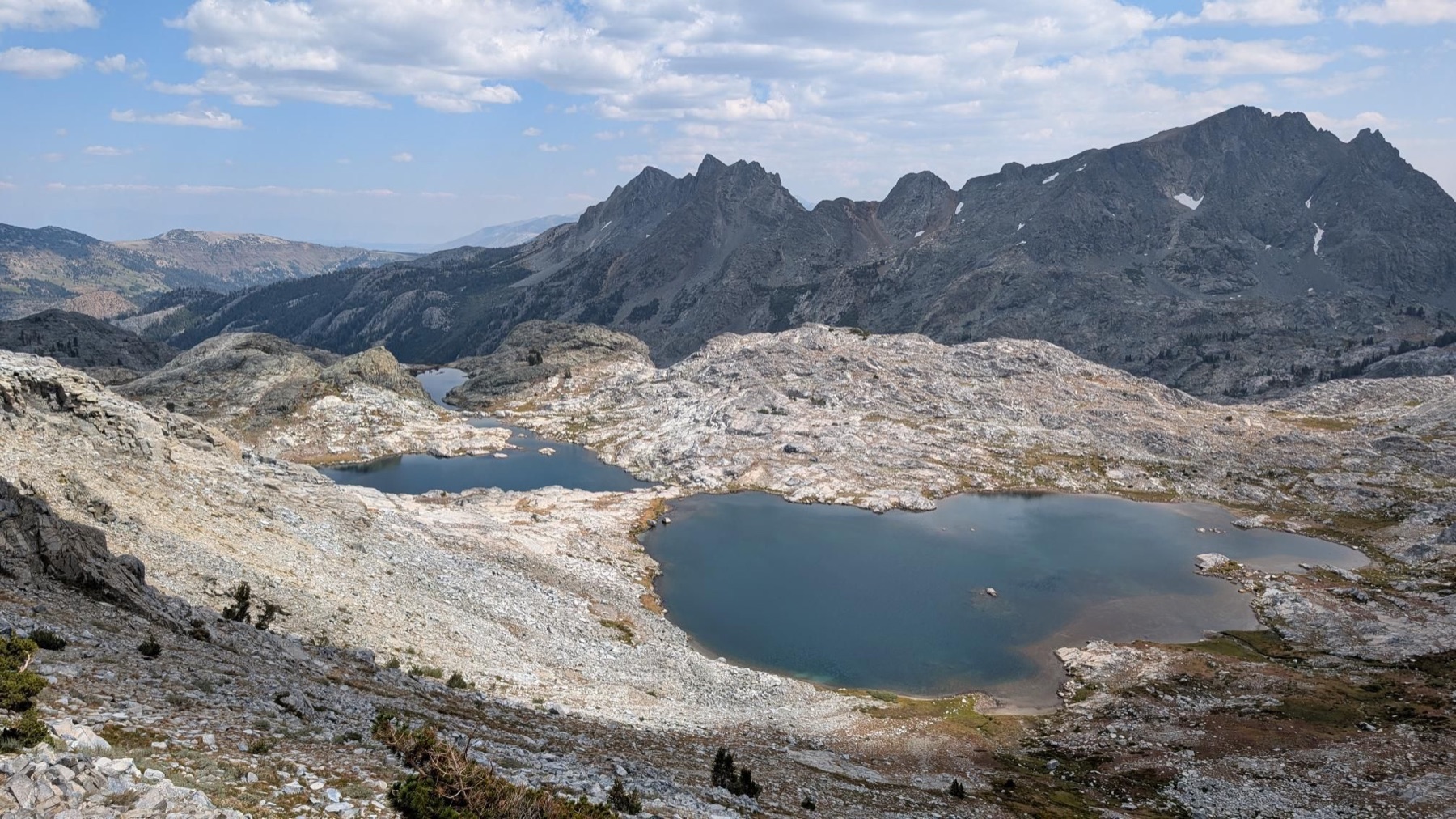
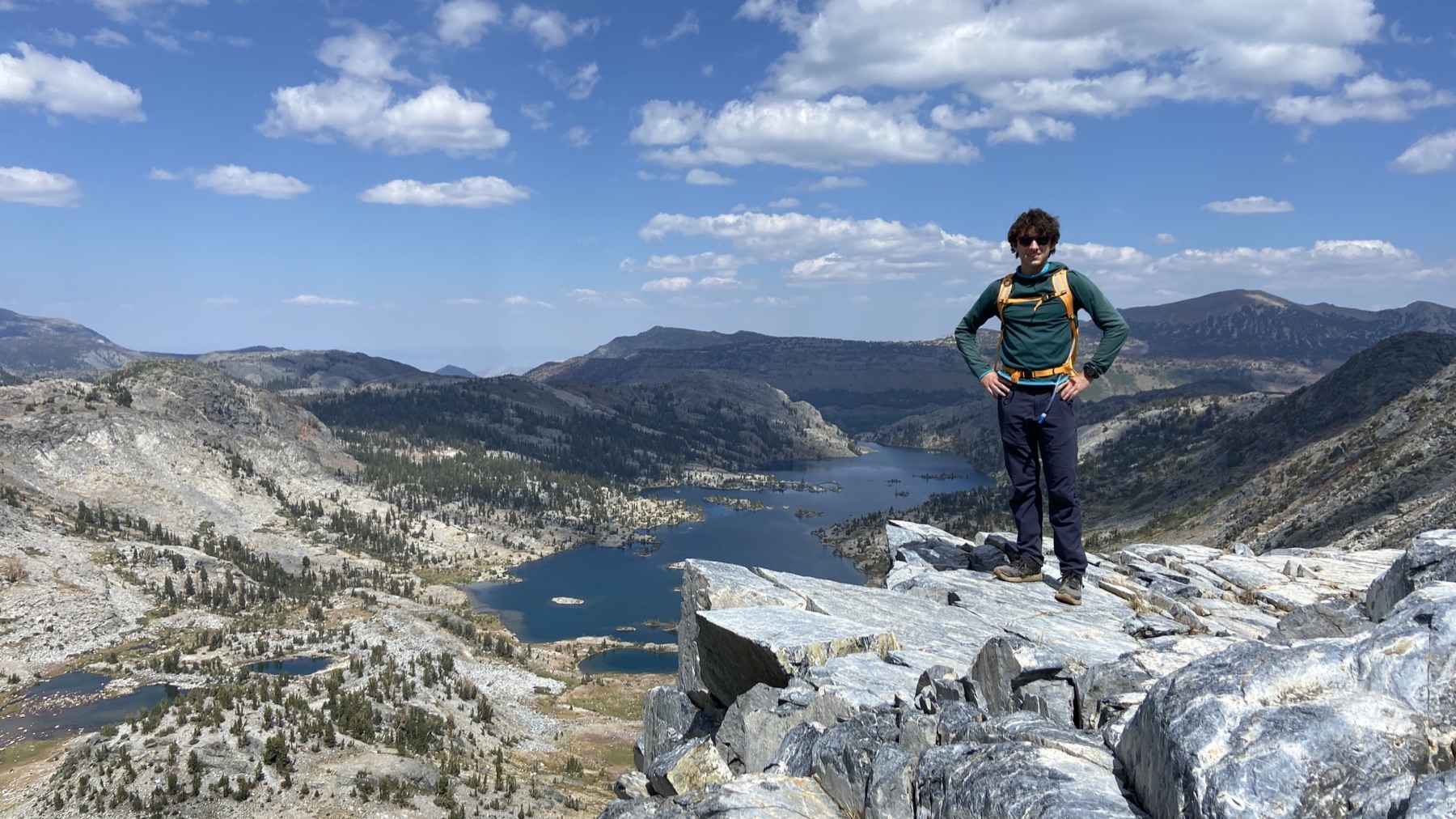
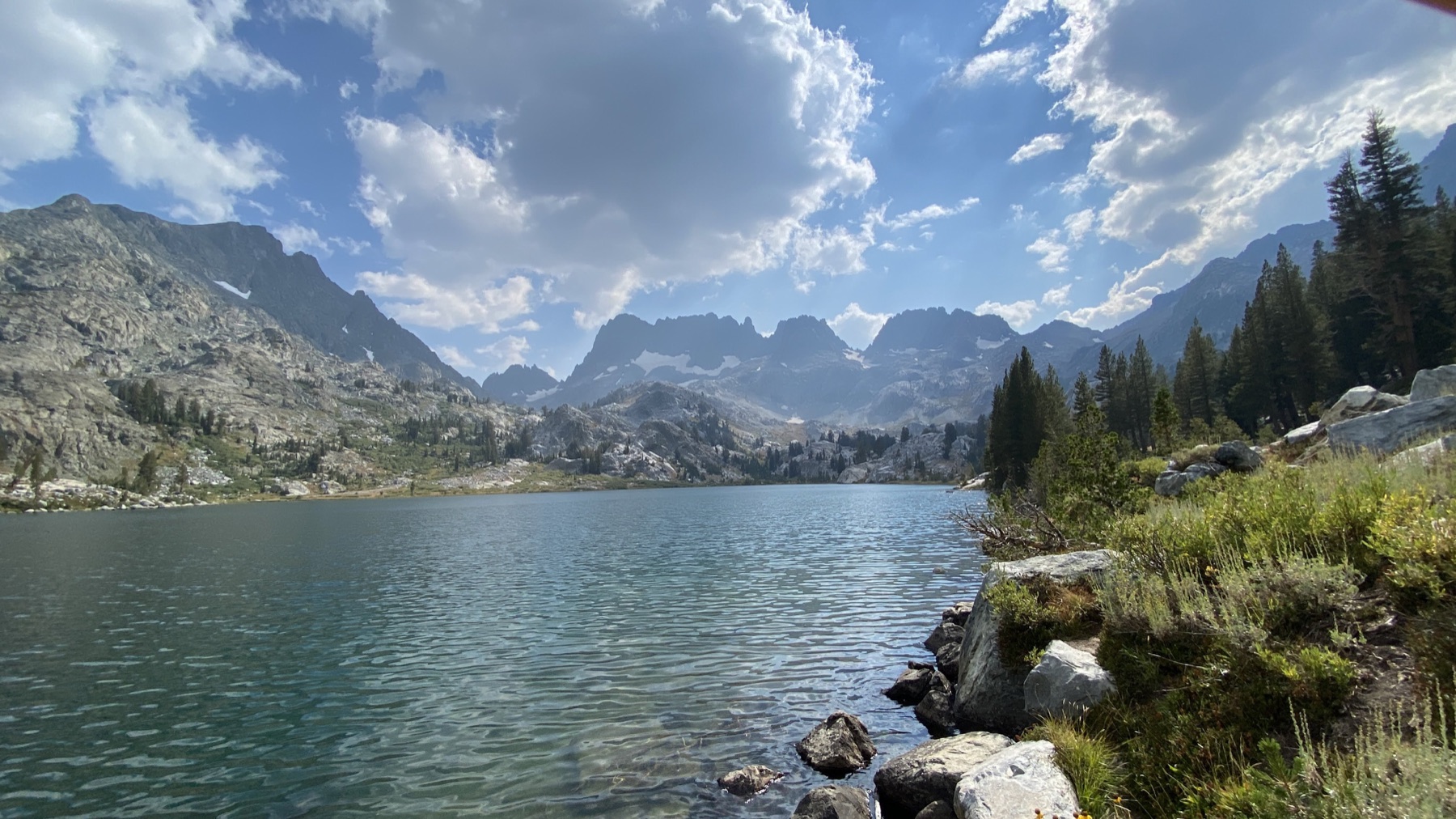
The day moved from exposed granite and high lakes to Thousand Island Lake itself, with the Ritter Range holding the skyline throughout.
Thousand Island Lake beneath the Ritter Range.Open country above the tree line.At the base of the range.High, dry, and exposed.Granite miles.Water along the route.
Adventure · July 2025 · Kings Canyon
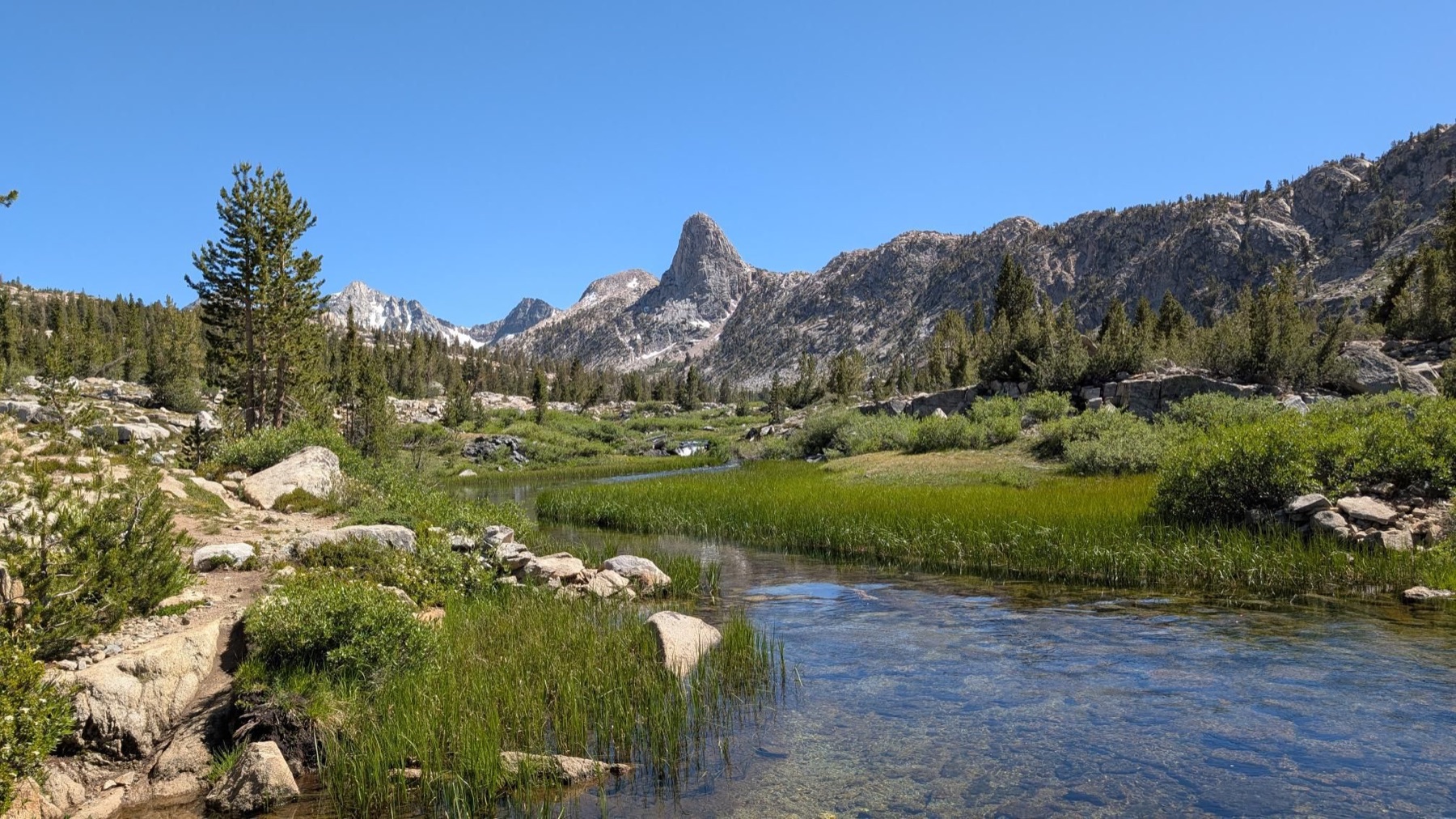
Rae In a Day
The Rae Lakes Loop compressed into one continuous push: river crossings, pre-dawn miles, snow, and Glen Pass. Forty-one miles through Kings Canyon, traced directly from the day’s GPX file.
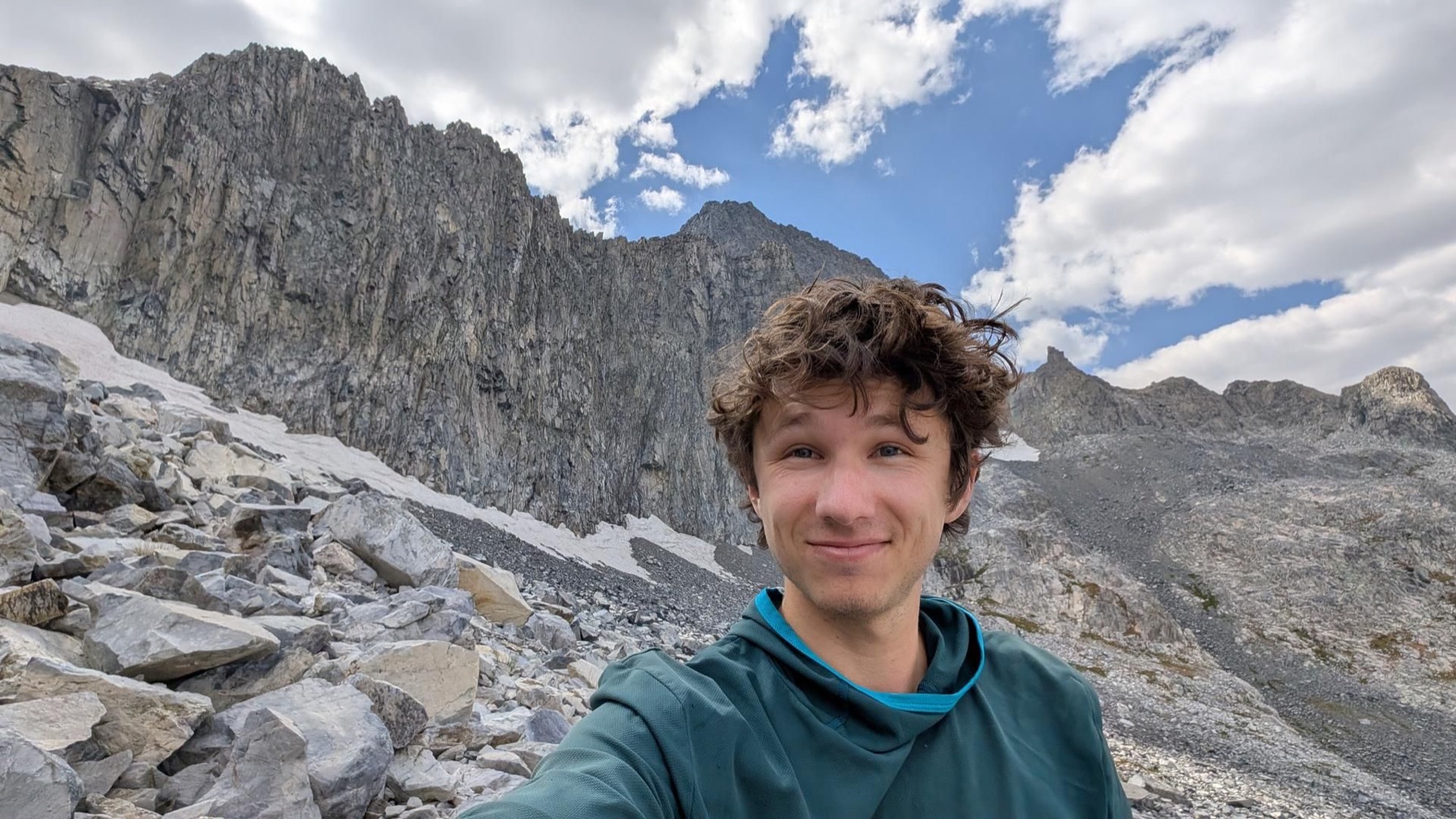
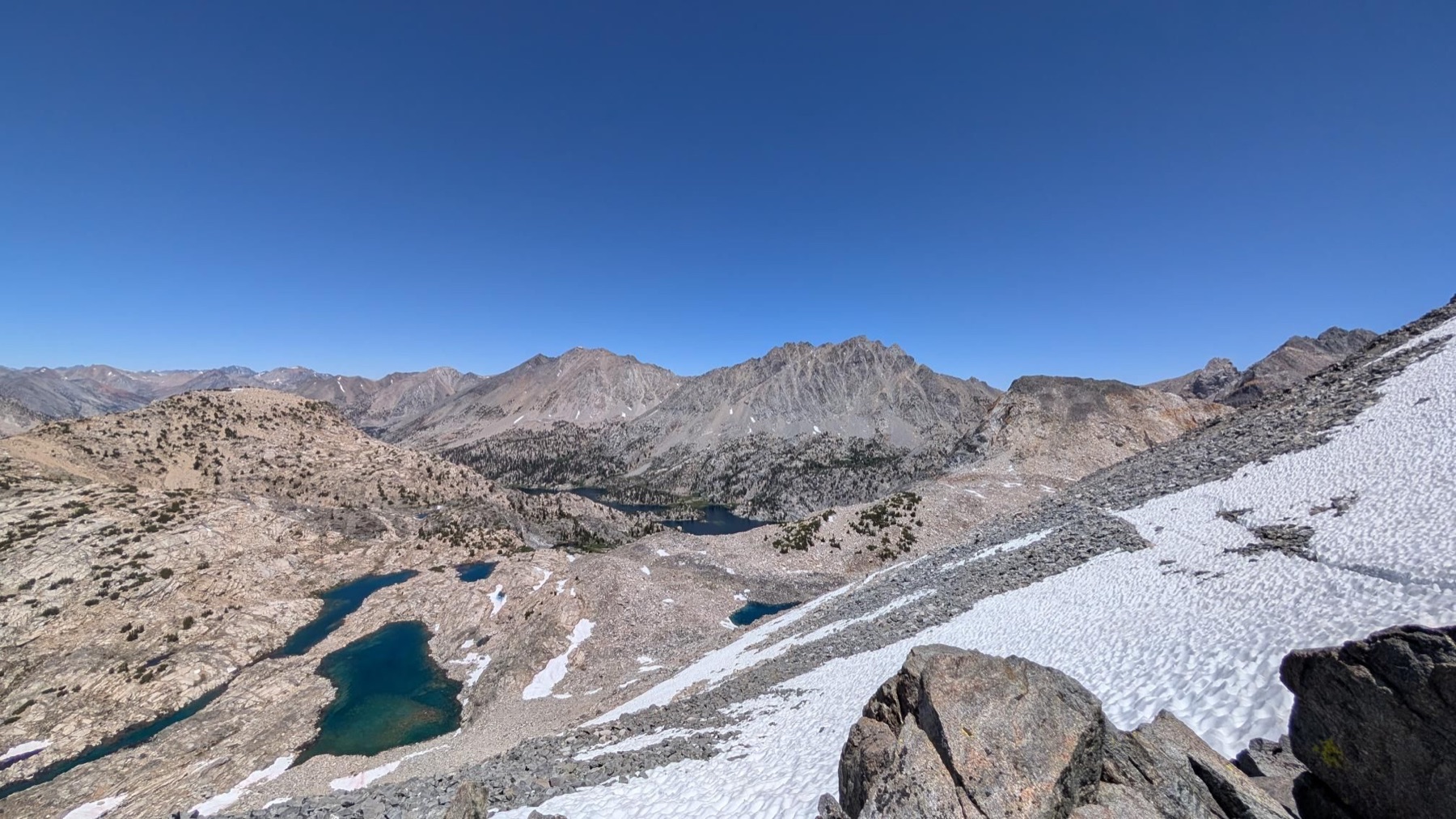
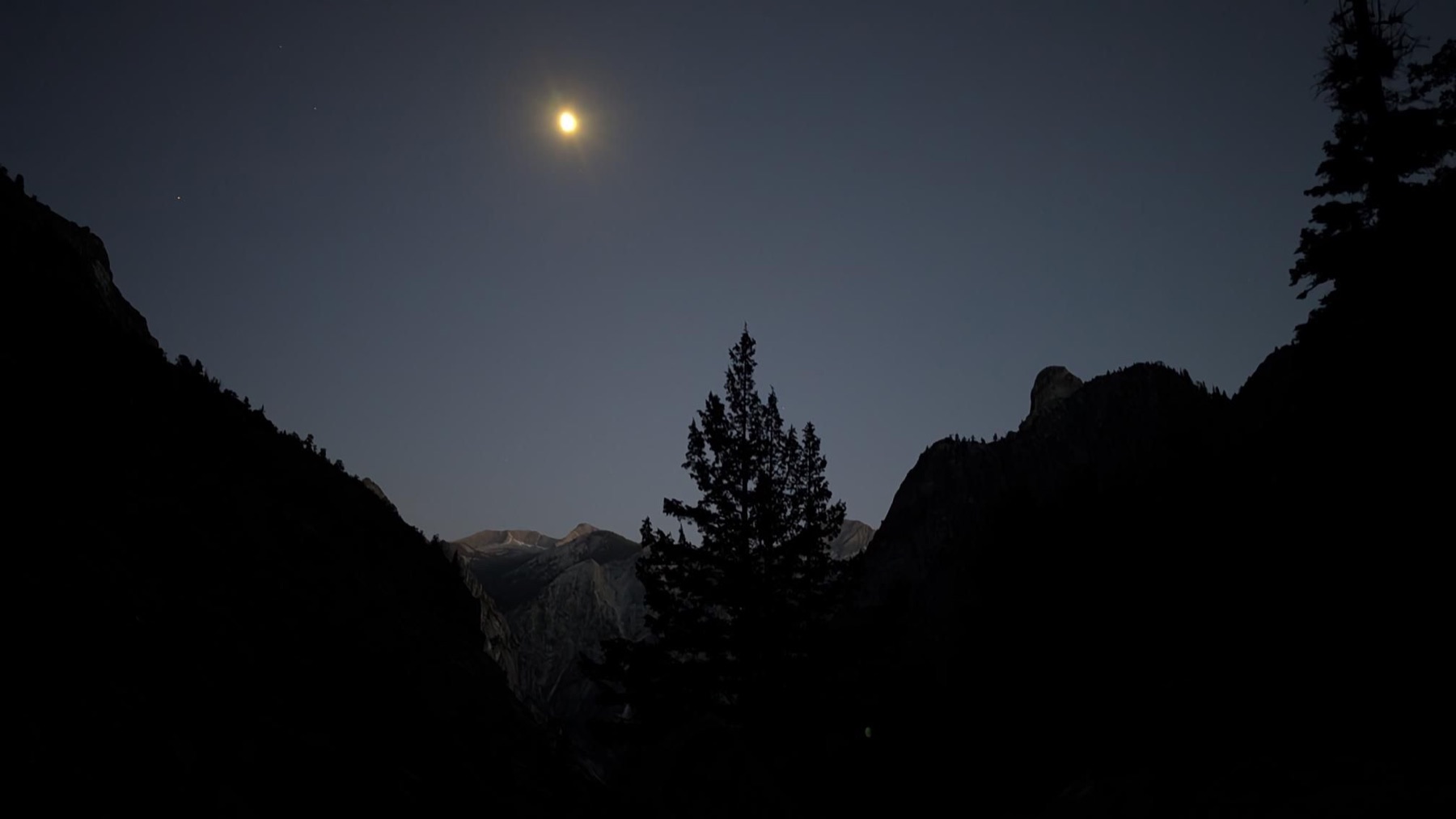
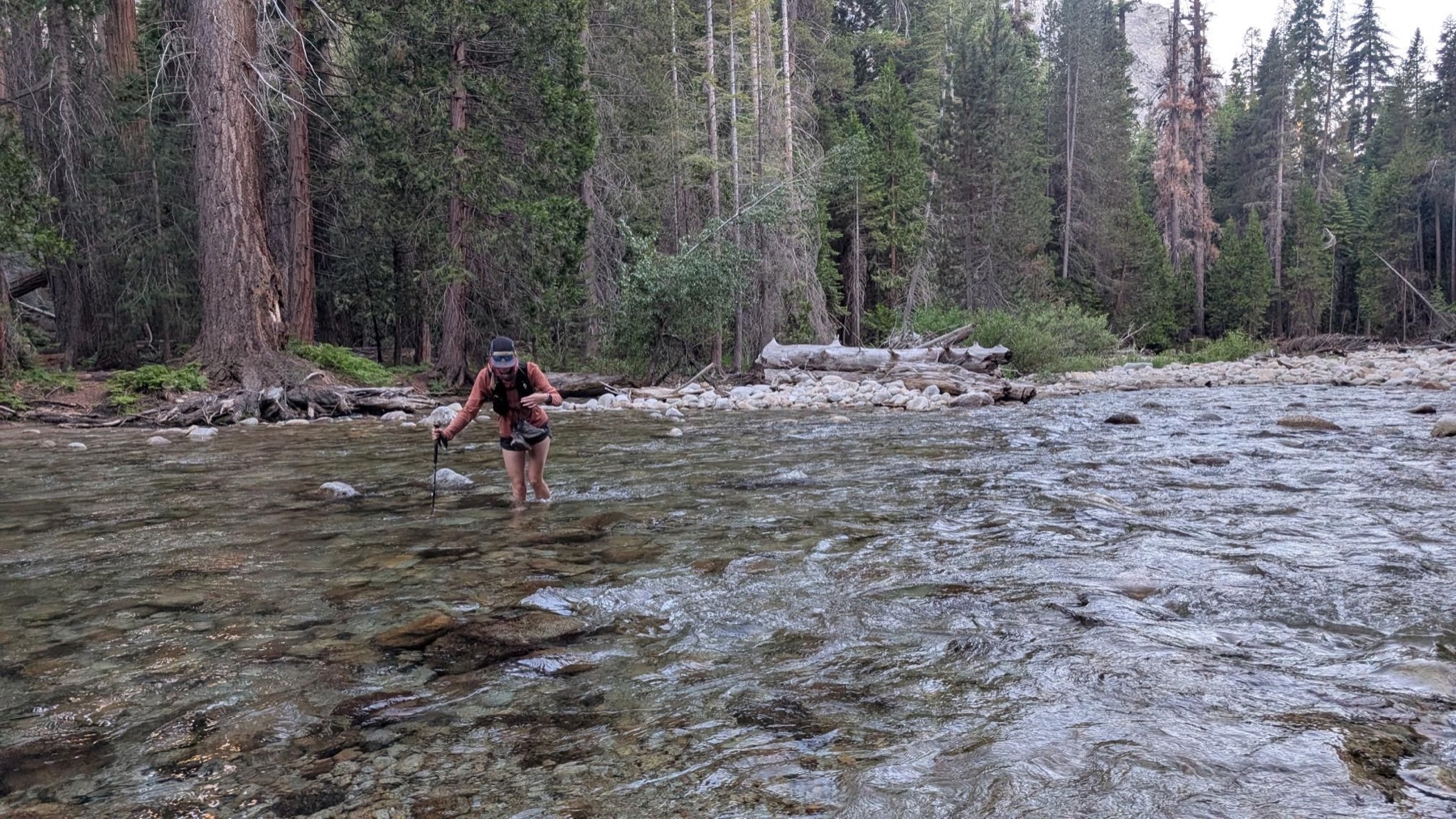
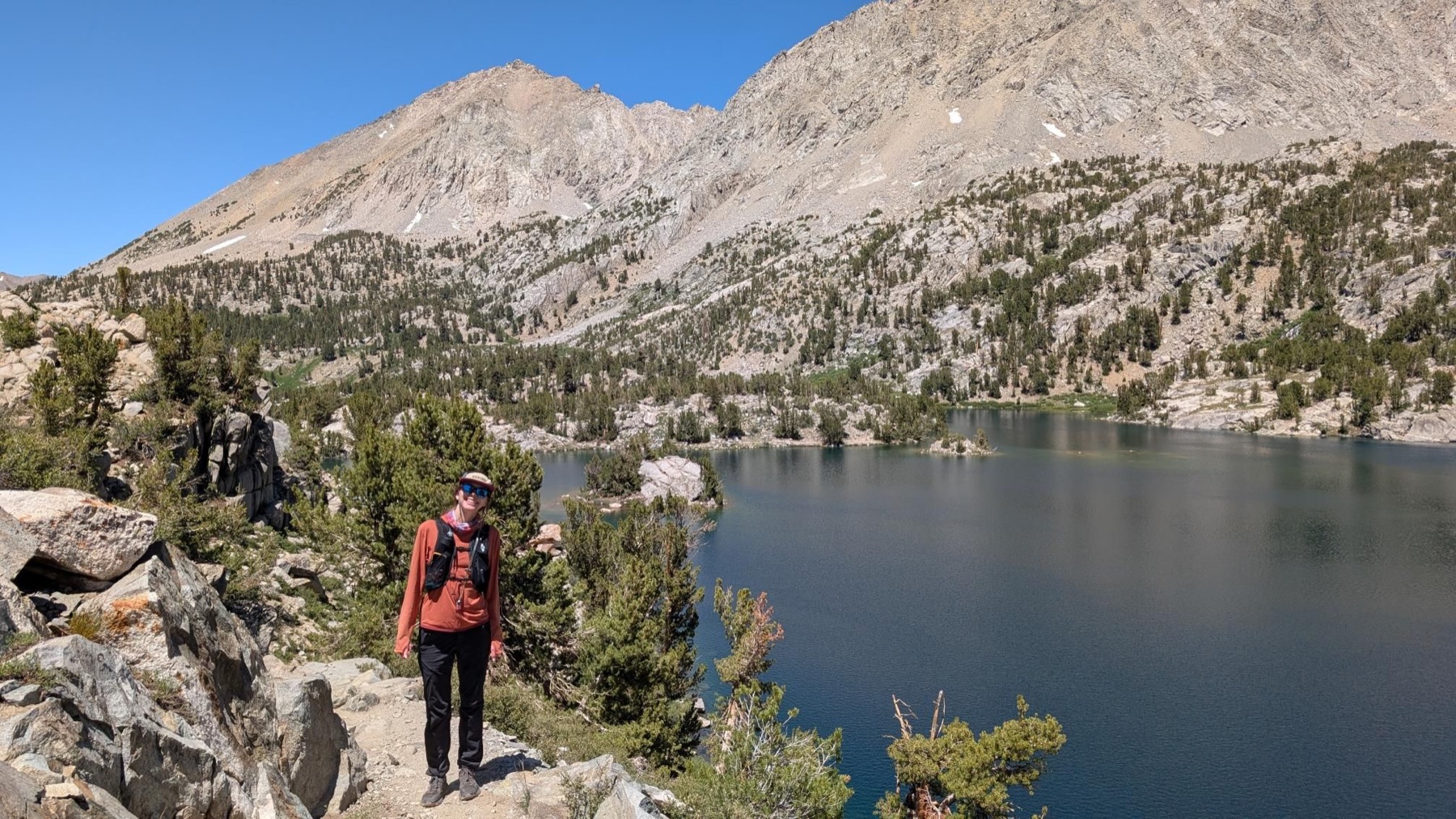
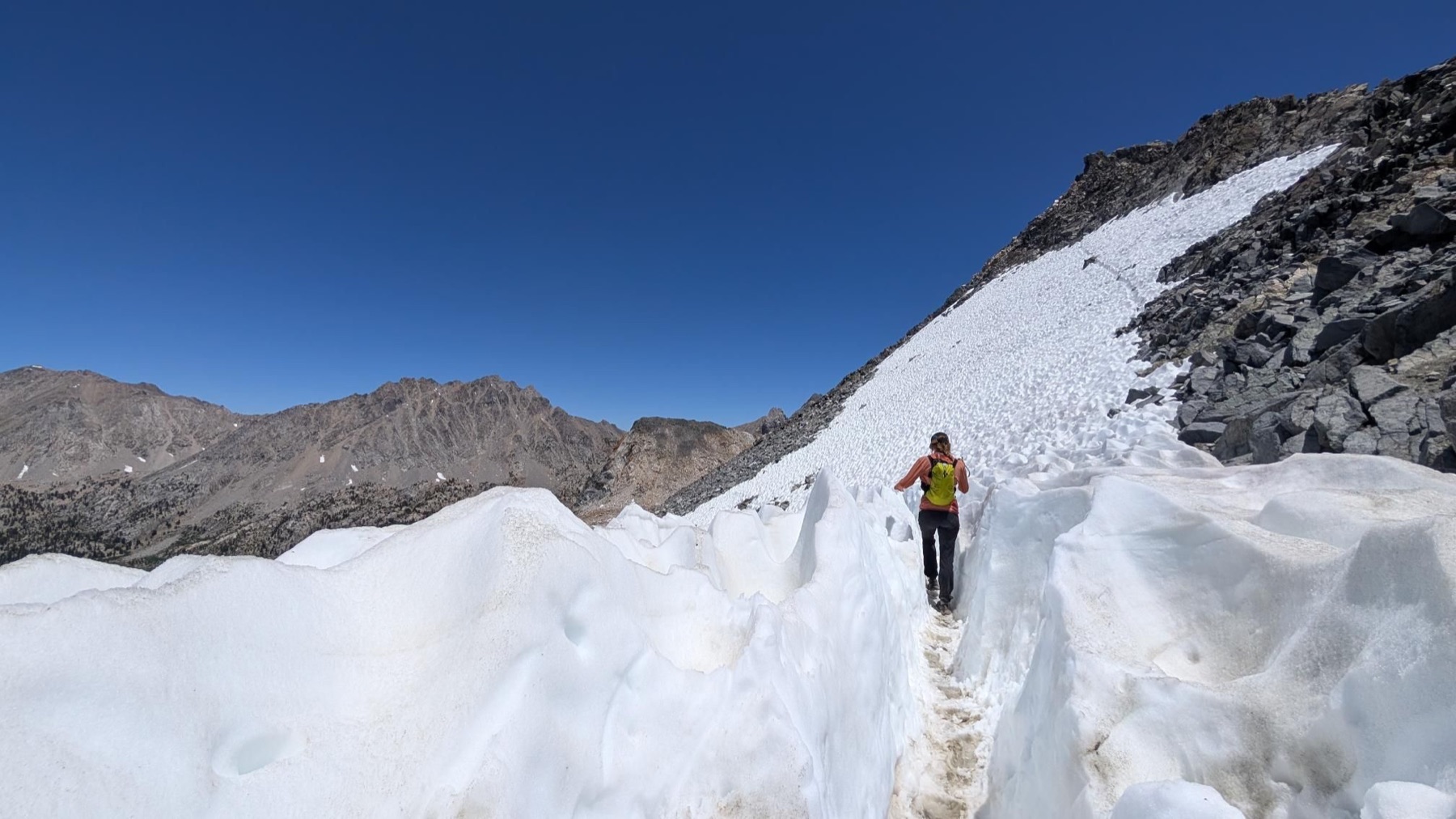
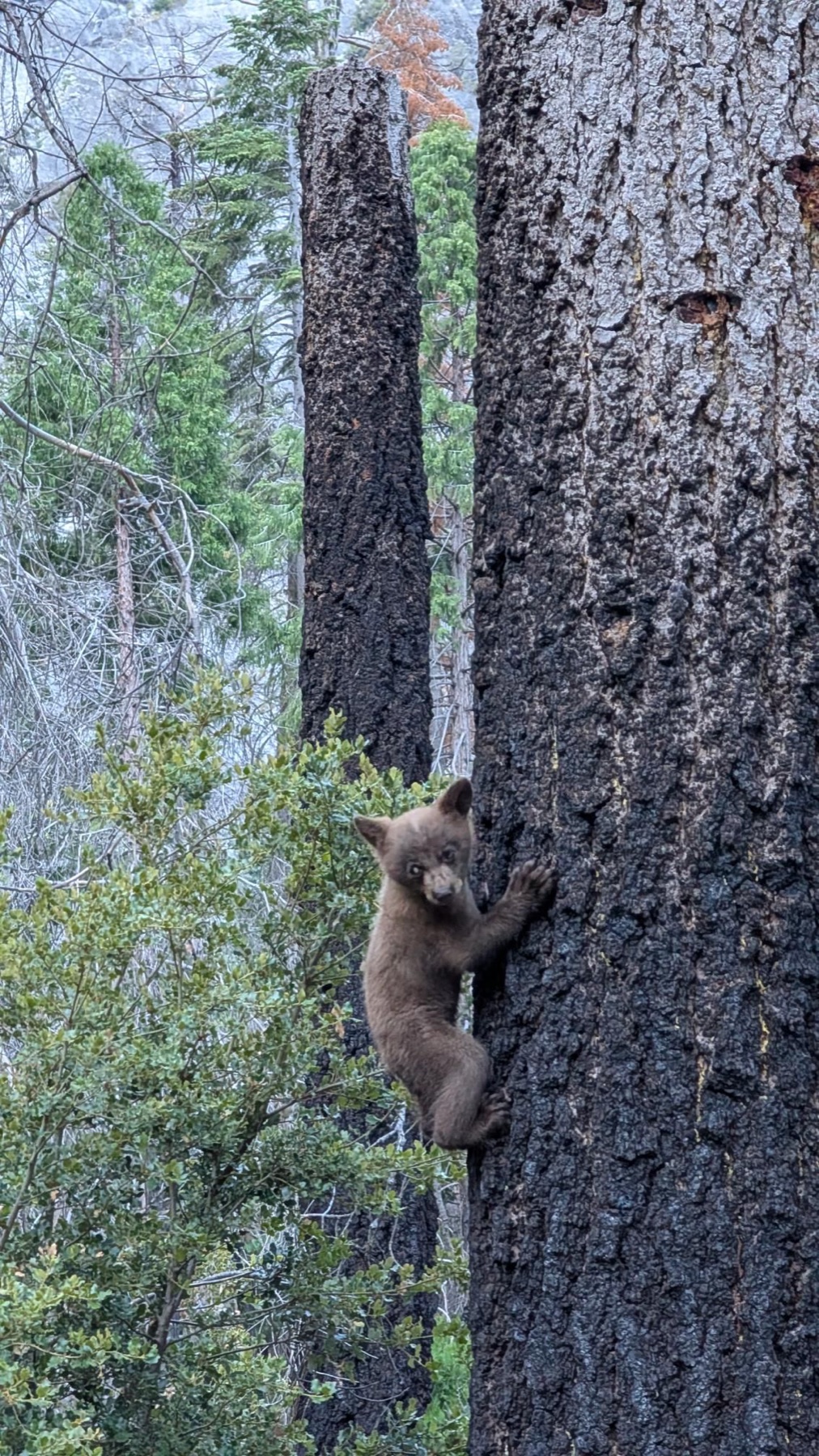
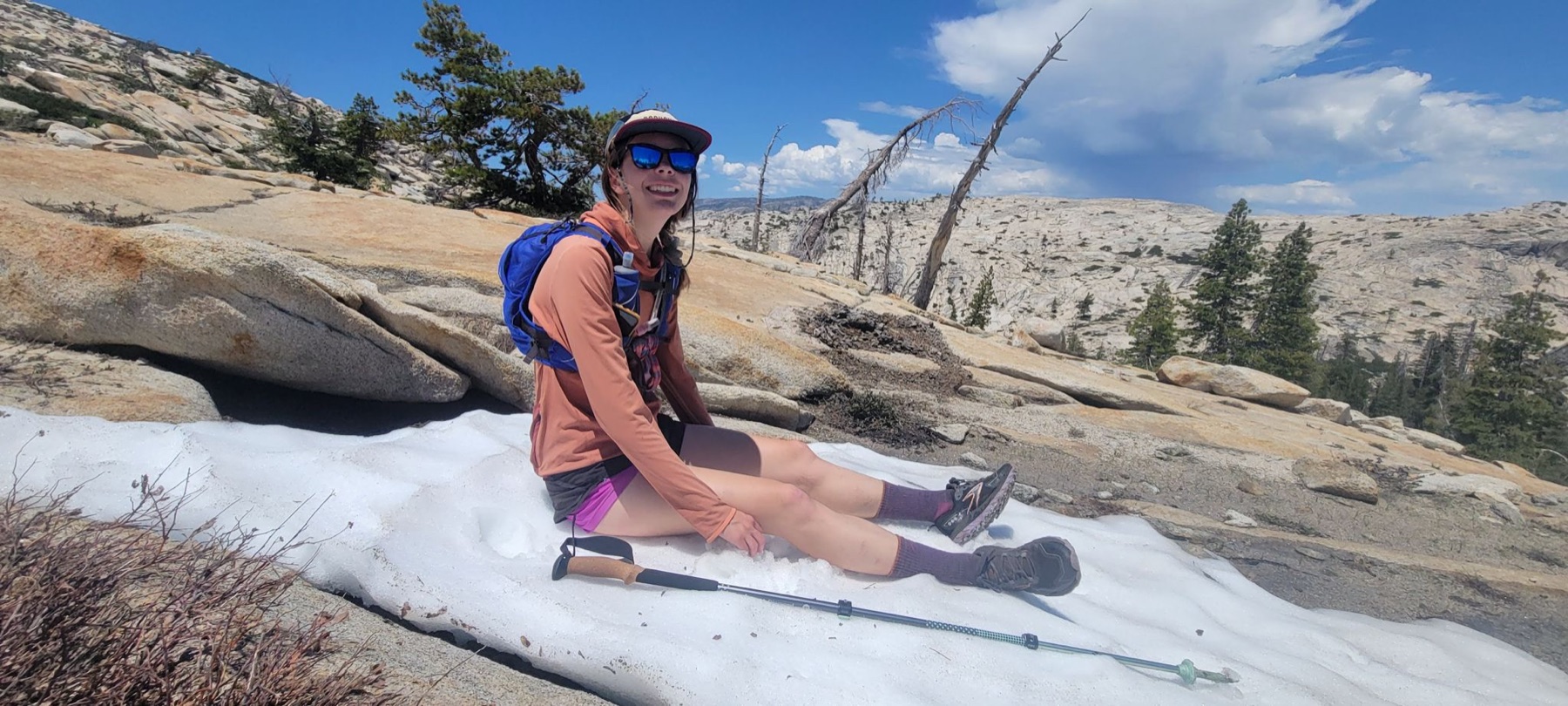
Dark trailheads, cold water, a bear sighting, high lakes, and a snowy crossing over Glen Pass—all before returning to the start.
Looking down from the high point.Starting in the dark.One of the day’s river crossings.Rae Lakes.Snow near the pass.The scale of the loop.A trail-side encounter.
Adventure · May 2025 · Sierra Nevada
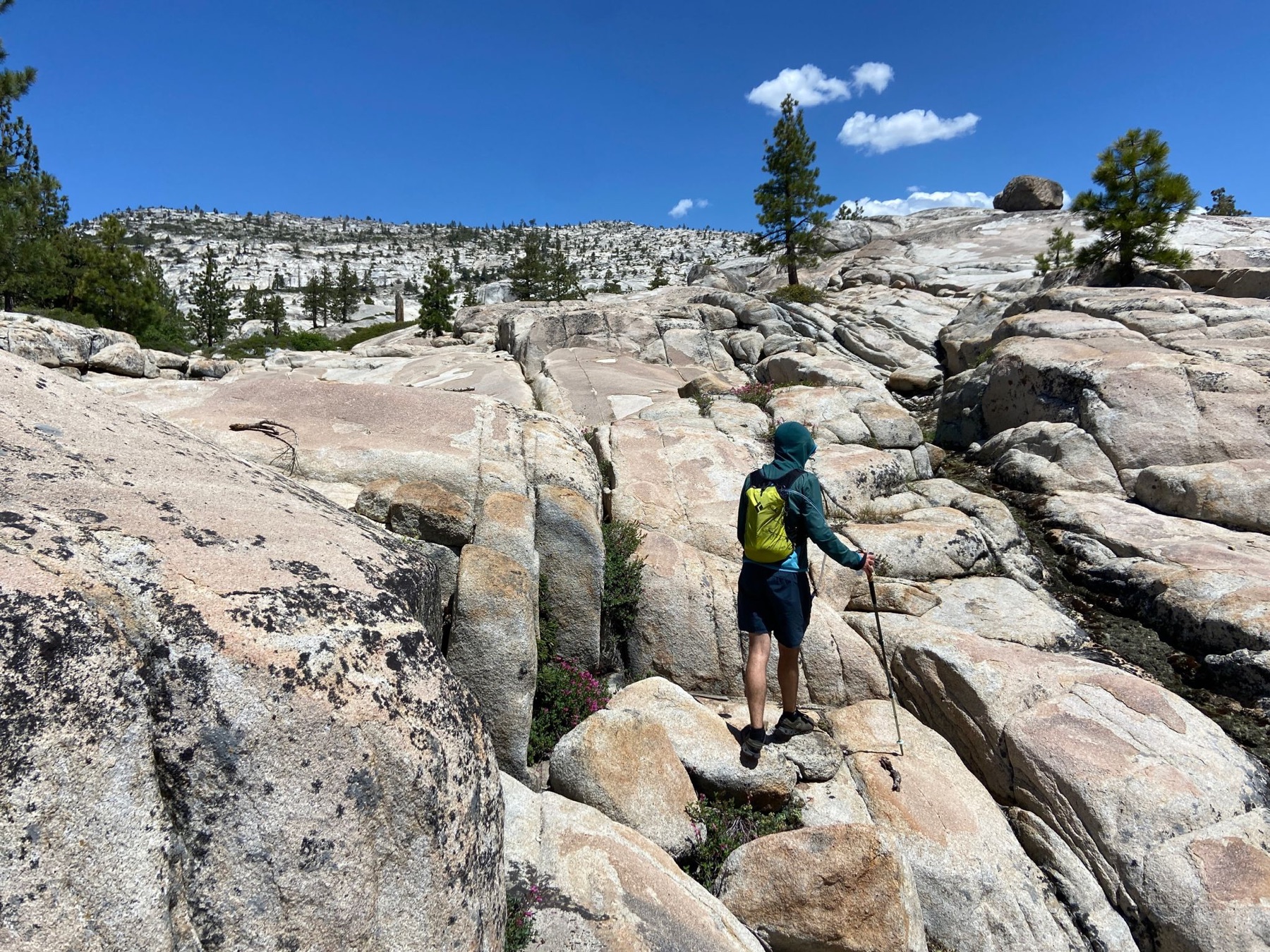
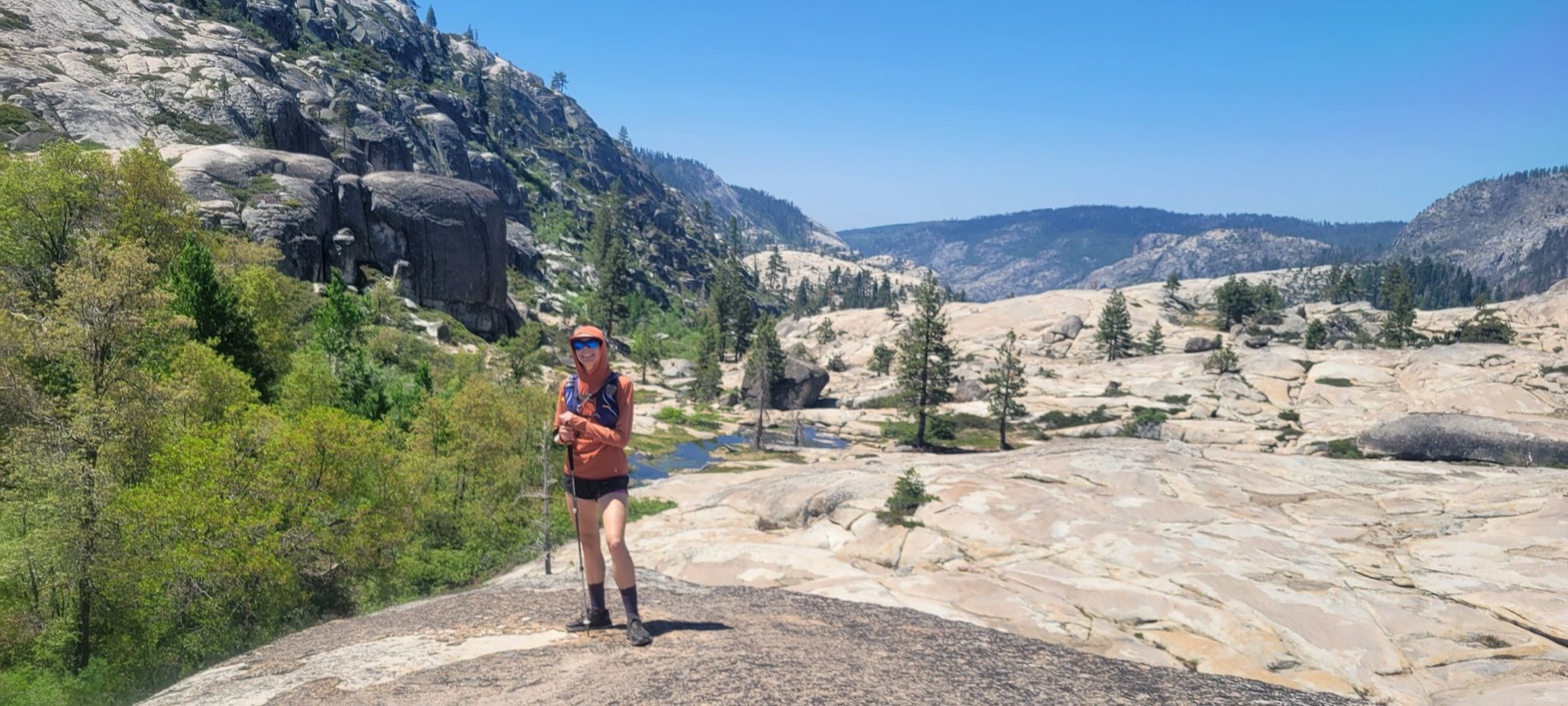
Cherry Canyon Overlanding
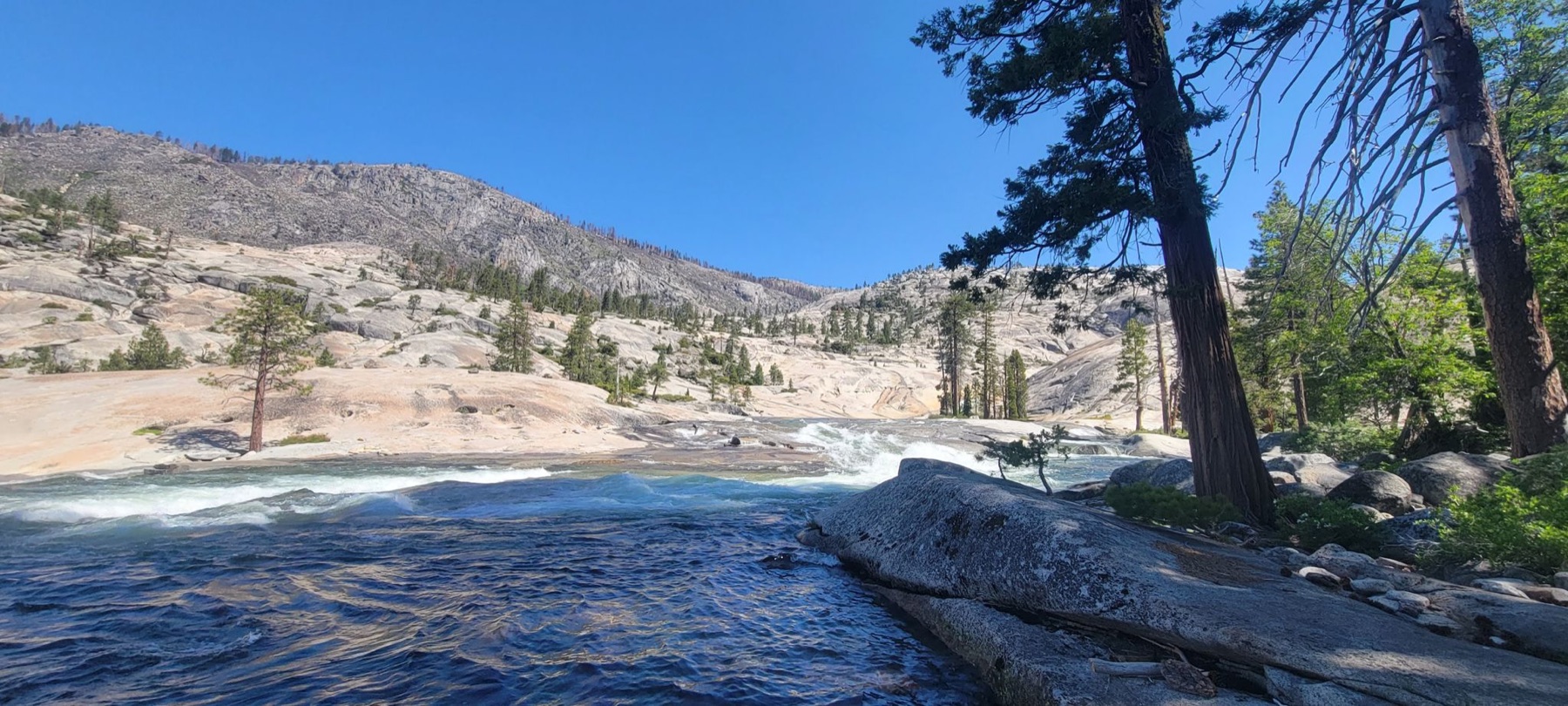
A rugged line through granite slabs, lingering snow, and moving water in Cherry Canyon. The weather lab uses elevation data with the original 22-mile GPX track laid directly across it.